Dexter
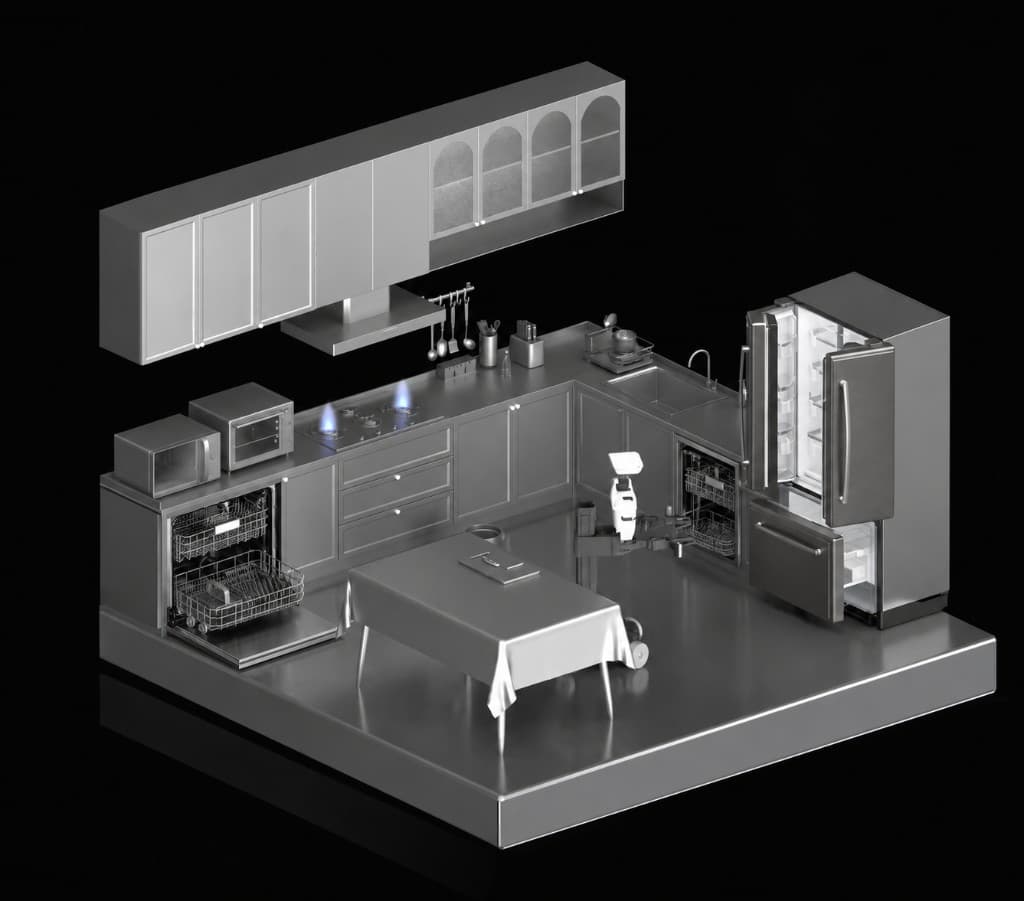
Dexter is an AI agent that generates articulated 3D assets for robotic training in simulators such as NVIDIA Isaac Sim and similar stacks. Give it a product photograph of an everyday object — a dishwasher, refrigerator, or cabinet — and it produces individual part meshes, a kinematic tree, joint definitions, and a USD package that simulators can load and actuate.
The problem
Training robot manipulation policies requires thousands of teleoperation trajectories across many environments and object types. Simulators let you scale past the physical world, but every interactive object in a scene needs a 3D model broken into moving parts with correct joint definitions. That work is done by hand today and does not scale.
Recent image-to-3D models (Hunyuan3D, SAM3D, etc.) can generate a mesh from a photo in minutes, but they output a single solid shape with no moving parts. A dishwasher generated this way is one fused block; you cannot open the door or pull out the rack in simulation.
Dexter targets that bottleneck: given a reference image, it produces an articulated asset with separate part meshes, a layout IR, joint definitions, and exportable USD (robot.usda).
What Dexter produces
An articulated asset is many rigid parts (chassis, door, rack) connected by joints. Motion changes joint angles or slides, not a single frozen mesh:
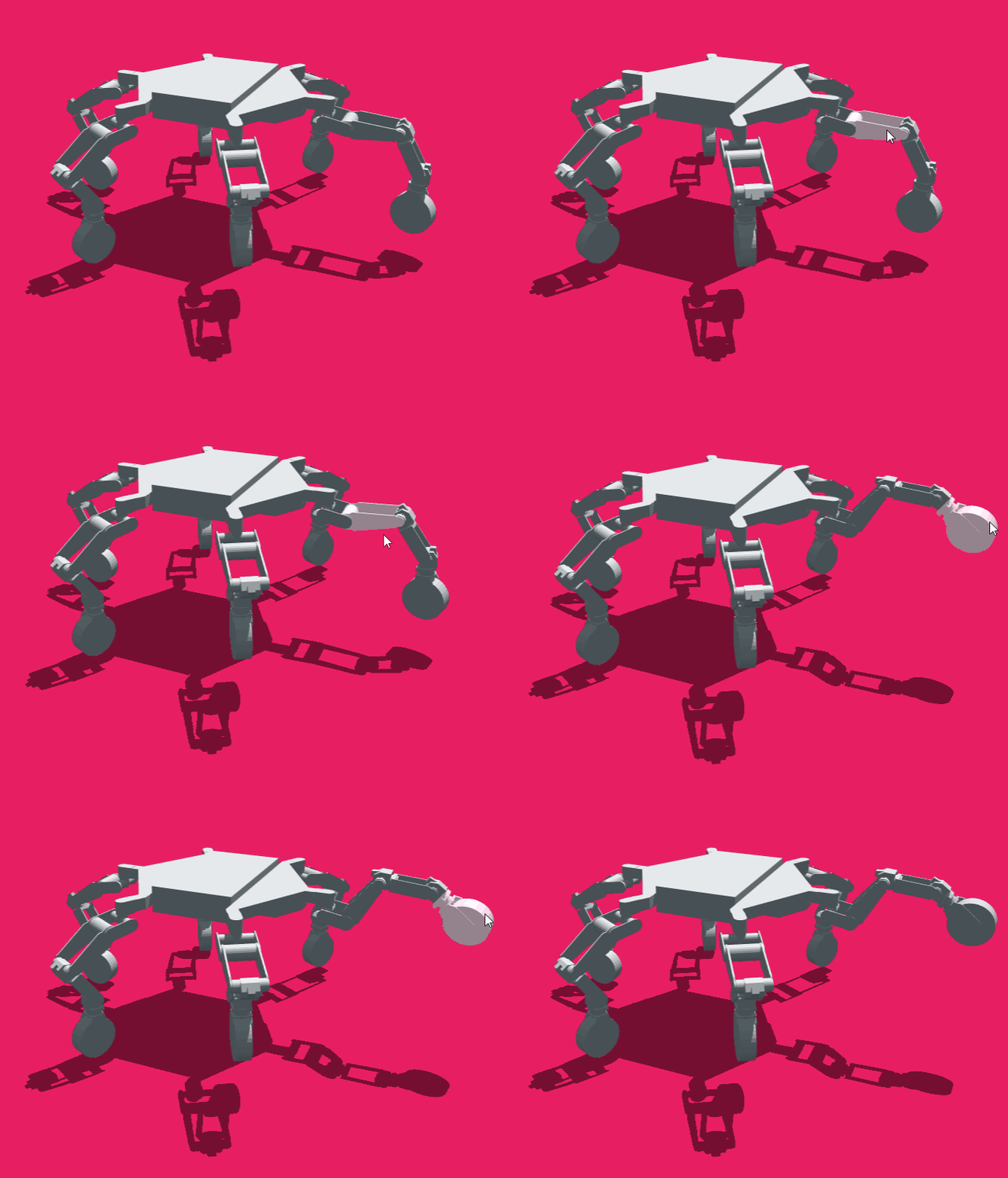
An articulated hexapod: legs rotate on hinge joints while the body stays one rigid part.
Dexter's output per run:
| Deliverable | Description |
|---|---|
| Per-part meshes | component_glbs/<part>.glb, one GLB per moving part |
| Layout IR | assembly.json, position, orientation, and scale for each part |
| Parts IR | parts.json, kinematic tree and joint types |
| Critique IR | critic.json, score and per-part layout fixes |
| USD export | robot.usda + textures/, loadable in Isaac Sim |
How it works
Dexter runs through OpenCode (opens in a new tab), a coding agent harness. An orchestrator agent sequences two subagents and deterministic tool scripts, pausing at two human gates:
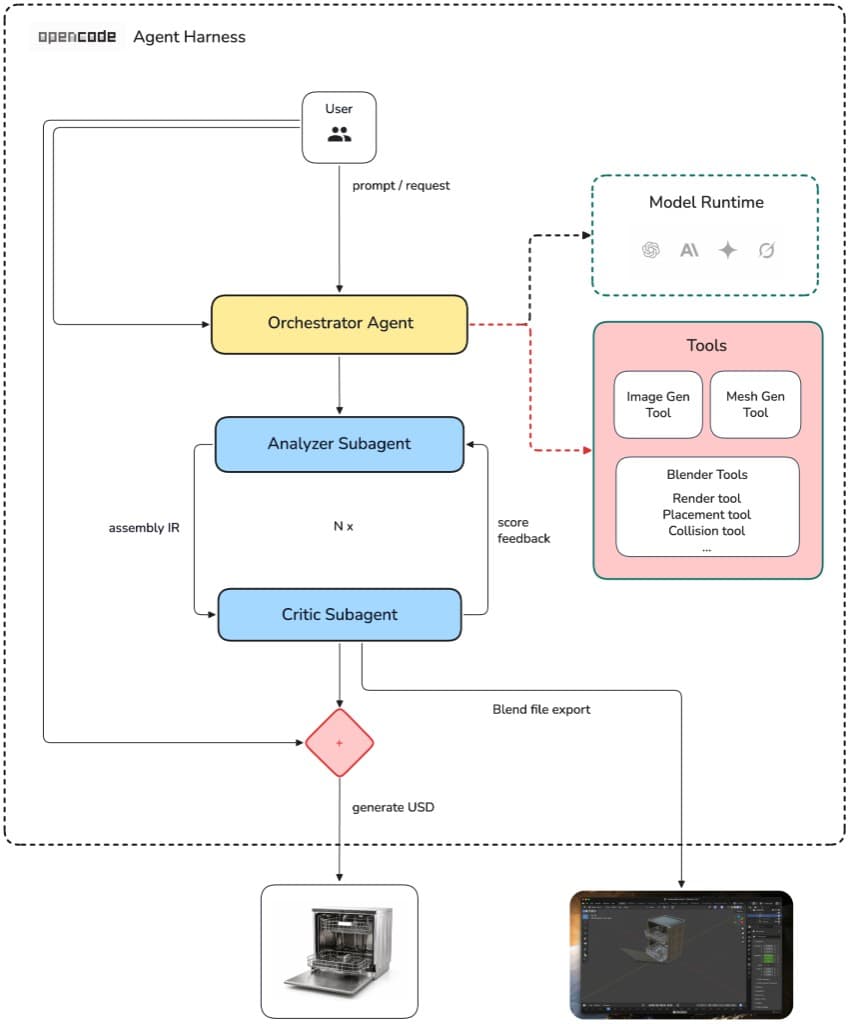
The orchestrator routes input through analyze and critic subagents; deterministic scripts handle the rest.
In the OpenCode TUI, press Tab or /agents and select orchestrator to run the pipeline:
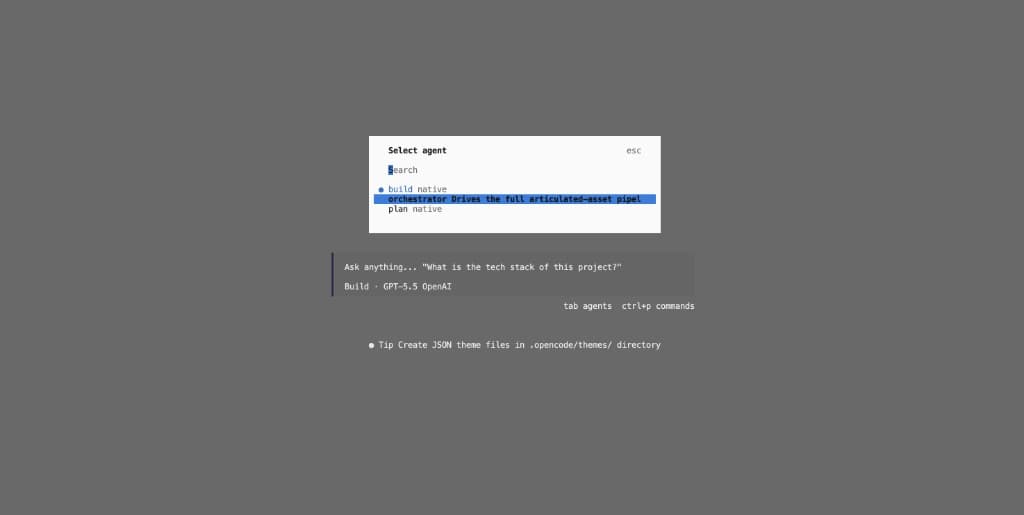
See Architecture for the full system design.
Quick start
pip install -r requirements.txt
export OPENAI_API_KEY=...   # component PNG generation
export FAL_KEY=...          # fal.ai image-to-3D
opencode run --agent orchestrator -- "build the dishwasher from input_images/dishwasher.png"
Full setup: Requirements → Installation & Run.
Documentation
| Section | Contents |
|---|---|
| Getting Started | Requirements, installation and run |
| Architecture | Overview, agentic loop, agents, IRs, tool scripts |
| Sample Runs | End-to-end example with inputs, outputs, and logic |
| Troubleshooting | Common failures and recovery |
| Developer Guide | Project structure, extending the pipeline, local dev |
Objects Dexter has articulated
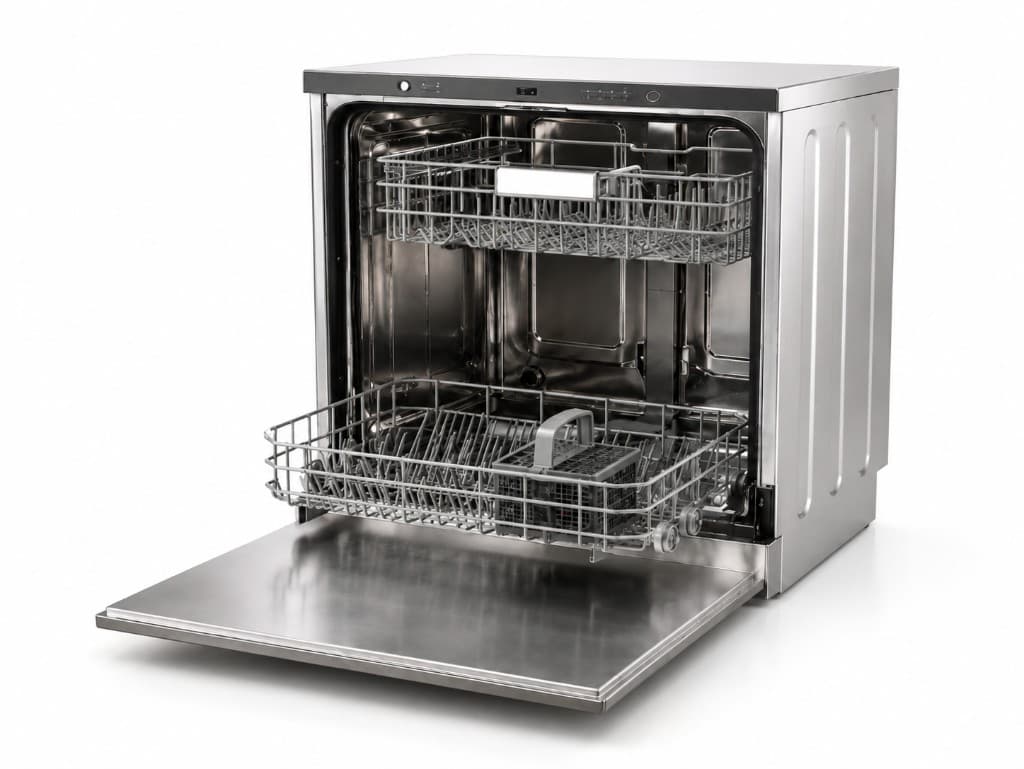
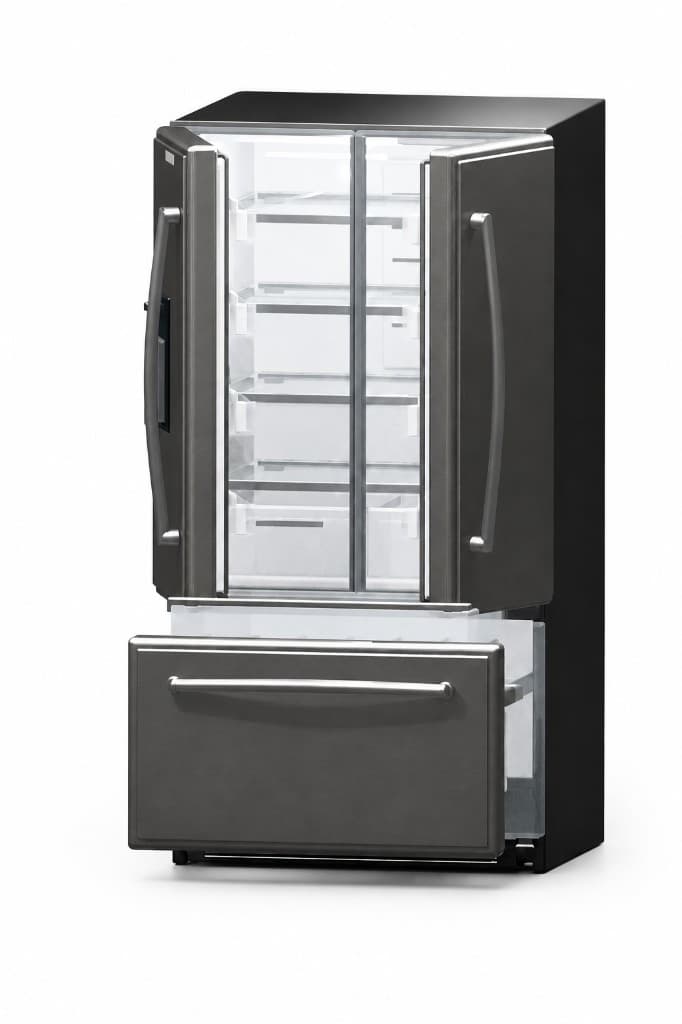
From a single reference photo each, Dexter has produced articulated 3D assets — separate part meshes, a kinematic tree, and robot.usda — for these everyday appliances:
| Dishwasher — door and racks as moving parts | Refrigerator — French doors and freezer drawer |
 |  |
| Washing machine — front-load door and cabinet | Oven — drop-down door and cooktop |
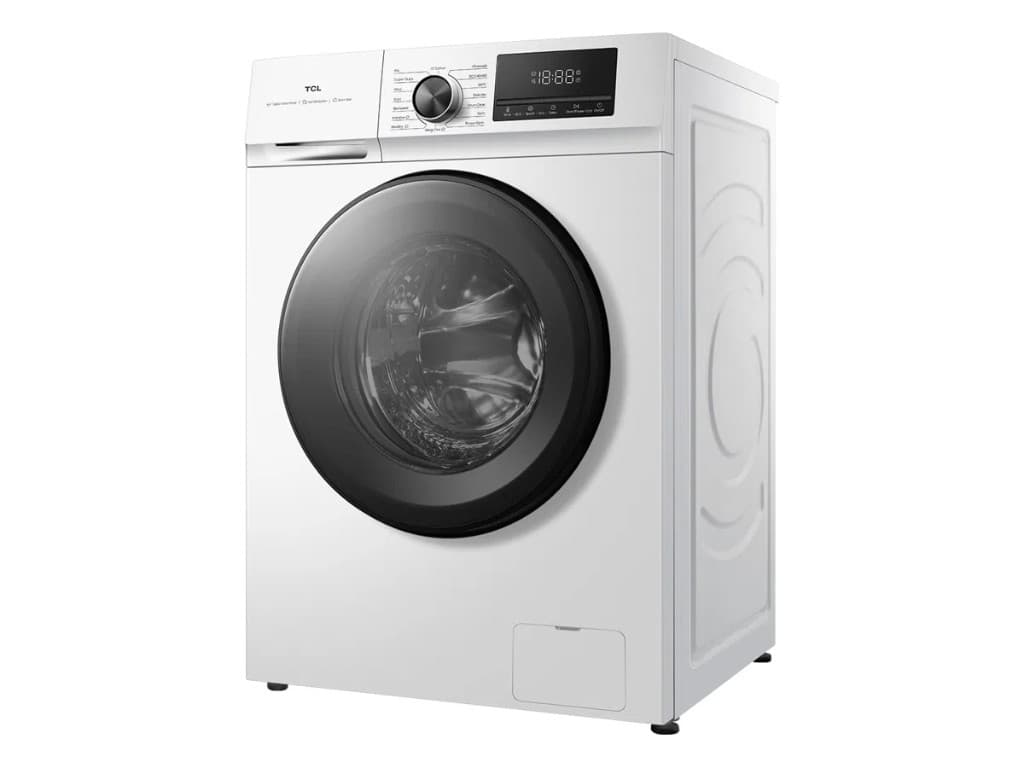 | 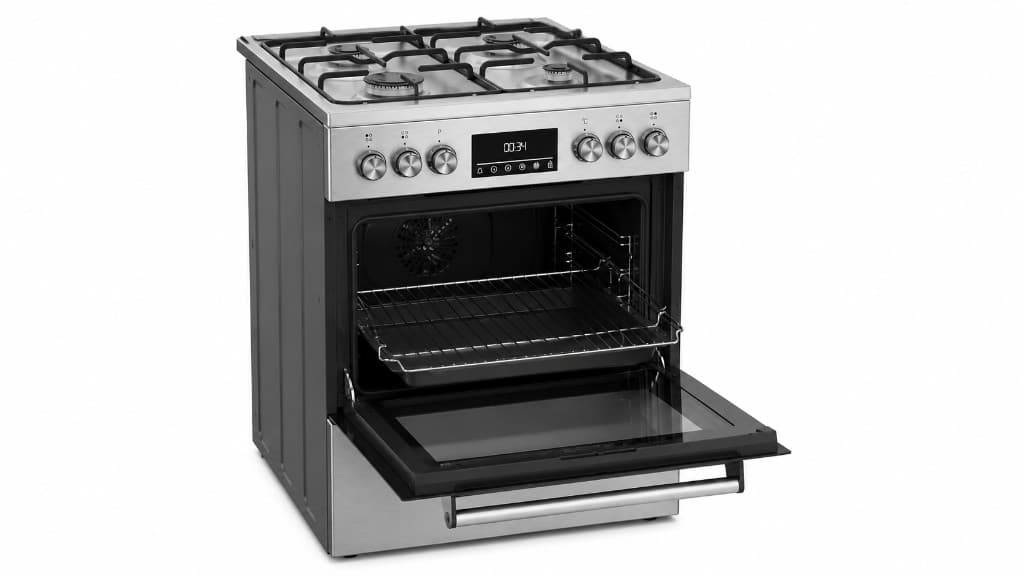 |
Bundled inputs: input_images/dishwasher.png, refrigerator.png, washingmachine.png, oven.png. See Sample Run: Dishwasher for a full walkthrough of one run.
Sample run outputs — download the real pipeline artifacts (GLBs, JSON IRs, robot.usda, etc.) to inspect or verify without running Dexter: varmology/dexter-sample-outputs (opens in a new tab) on Hugging Face.
Screen recording of a refrigerator run in OpenCode — source photo through placement to USD export.