Sample Run: Dishwasher
This page follows one run from input_images/dishwasher.png to .intermediate/dishwasher/001/. Steps appear in the order the orchestrator runs them. For how to start or resume, see Installation & Run.
Download the real run artifacts (and outputs for other example assets) from varmology/dexter-sample-outputs (opens in a new tab) on Hugging Face — useful if you want to verify outputs without running the full pipeline.
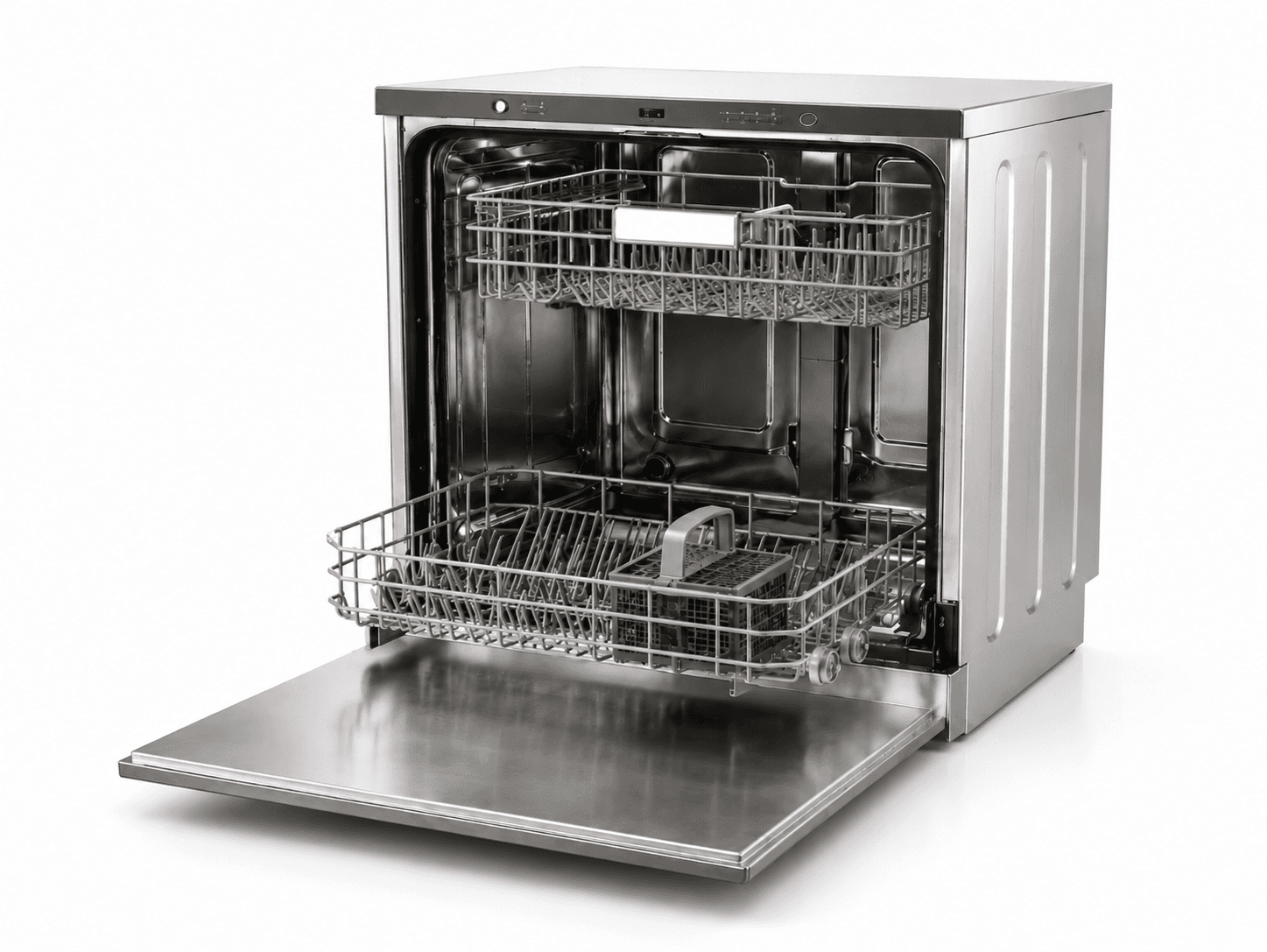
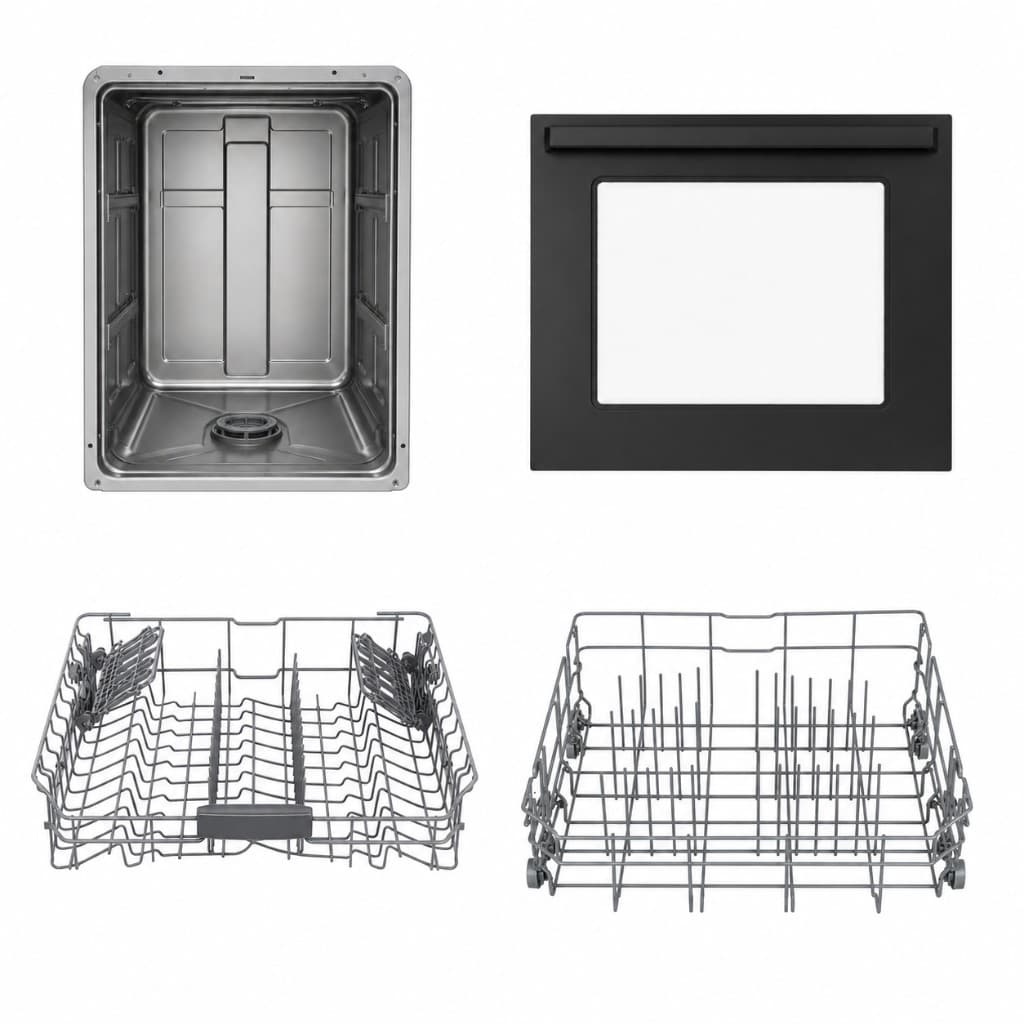
The run identified four parts: dishwasher_cabinet, front_door, upper_dish_rack, and lower_dish_rack.
Start the run
You prompt the orchestrator in OpenCode. It copies the input image to source.png under .intermediate/dishwasher/001/ and checks which files already exist before each step.
Analyze subagent
The analyze subagent reads source.png and writes parts.json. Each entry has a name, description, parent part, joint type, and size and pose in metres.
| Input | source.png |
| Output | parts.json |
In this run the cabinet is the fixed root (~0.60 × 0.60 × 0.85 m). The front door is revolute and closed. Both racks are fixed inside the cavity.
{
  "name": "front_door",
  "description": "The drop-down front door at the lower front of the dishwasher.",
  "parent": "dishwasher_cabinet",
  "joint_type": "revolute",
  "world_size": [0.60, 0.04, 0.51],
  "world_center": [0, -0.28, 0.255],
  "euler_deg": [0, 0, 0]
}
Parts review
The orchestrator pauses. You confirm part names, joint types, and placement numbers before any 3D generation runs.
Component generation
This script runs once after parts approval. For each part it builds an image prompt from the description, calls OpenAI to produce an isolated PNG (using source.png as reference), sends the PNG to fal.ai for a GLB, and measures raw mesh bounds with Blender.
| Input | parts.json, source.png |
| Output | component_images/, component_glbs/, component_dims.json |
Four PNGs and four GLBs were written. Raw sizes in component_dims.json are pre-scale. A door GLB might measure 0.93 m wide while the target door width is 0.60 m. Placement steps correct that later.
Initial placement
This script reads poses from parts.json and raw mesh sizes from component_dims.json, computes Blender node_scale and node_origin, and writes iterations/001/assembly.json. No subagent is involved.
| Input | parts.json, component_dims.json |
| Output | iterations/001/assembly.json |
The cabinet sits at the origin at metre scale. The door and racks use the closed poses from parts.json.
Placement loop
Each round lives in iterations/NNN/. Iteration 001 uses the assembly from step 5. Later iterations start with update_placement.py, which applies the previous critic.json to produce the next assembly.json.
Assemble scene
Loads each GLB, parents parts in the kinematic tree, and applies the pre-computed node_scale, node_origin, and euler_deg from assembly.json.
| Input | assembly.json |
| Output | assembled.blend |
Render view configuration
The orchestrator writes four camera definitions (front, top, left, isometric) from configs/base.yaml render defaults.
| Output | iterations/NNN/render_views.json |
Render views
Renders one PNG per camera from the assembled scene.
| Input | assembled.blend, render_views.json |
| Output | renders/*.png |
Critic evaluation
The critic subagent receives source.png, the four renders, and assembly.json. It writes critic.json with a score and per-part corrections. Correct parts are marked locked. Others may get corrected_world_size, corrected_world_center, or suggested_rotation_delta.
| Input | source.png, renders/, assembly.json |
| Output | critic.json |
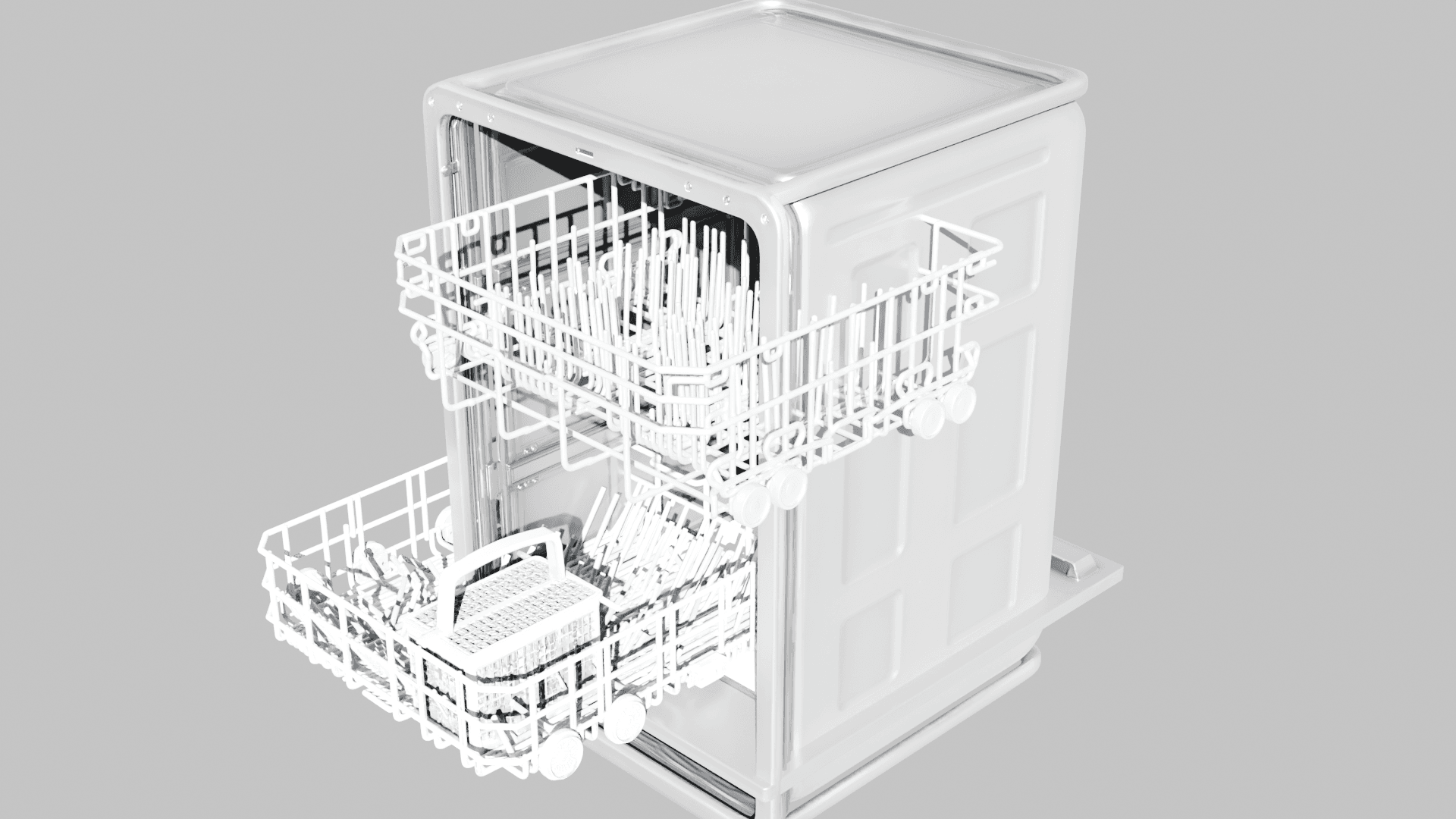
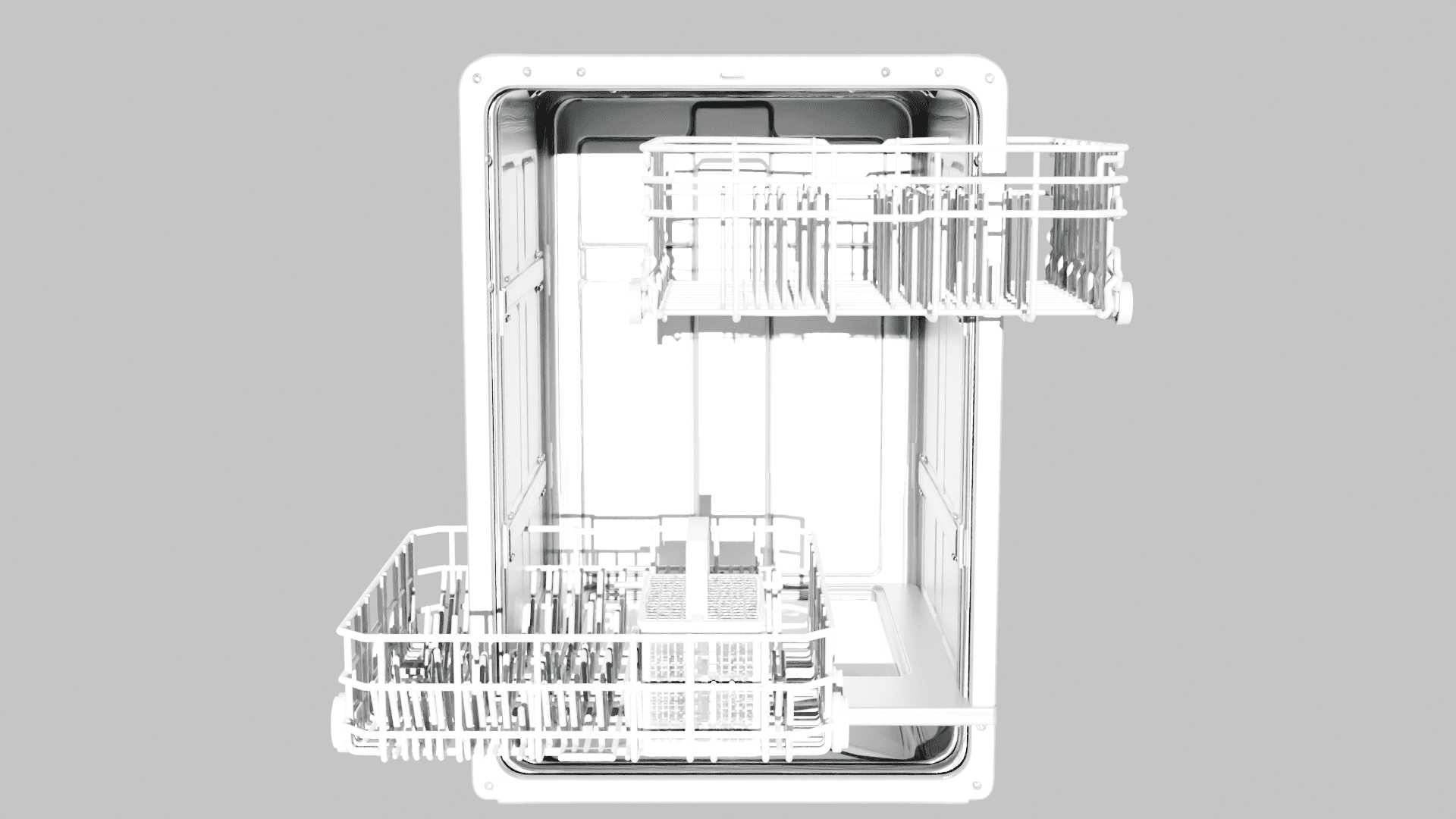
Iteration 1 (score 72)
The first layout came from initialize_placement.py. The cabinet and door were acceptable. Both racks were offset sideways and clipped through the side walls.
| Component | Critic action |
|---|---|
dishwasher_cabinet | locked: true |
front_door | locked: true |
upper_dish_rack | corrected_world_center |
lower_dish_rack | corrected_world_center |
Update placement
Copies the previous layout and applies critic corrections. Locked parts and parts with no issue entry are unchanged. If a round scores lower than the best so far, the orchestrator can base the next assembly on the best prior layout instead of the most recent one.
The loop ran six times. Iteration 6 scored highest at 86.
| Iteration | Score | Main issue |
|---|---|---|
| 001 | 72 | Racks offset through side walls |
| 002 | 84 | Minor rack depth |
| 003 | 78 | Door position regression |
| 004 | 78 | Door slab shifted |
| 005 | 84 | Upper rack over-pulled |
| 006 | 86 | Best layout |
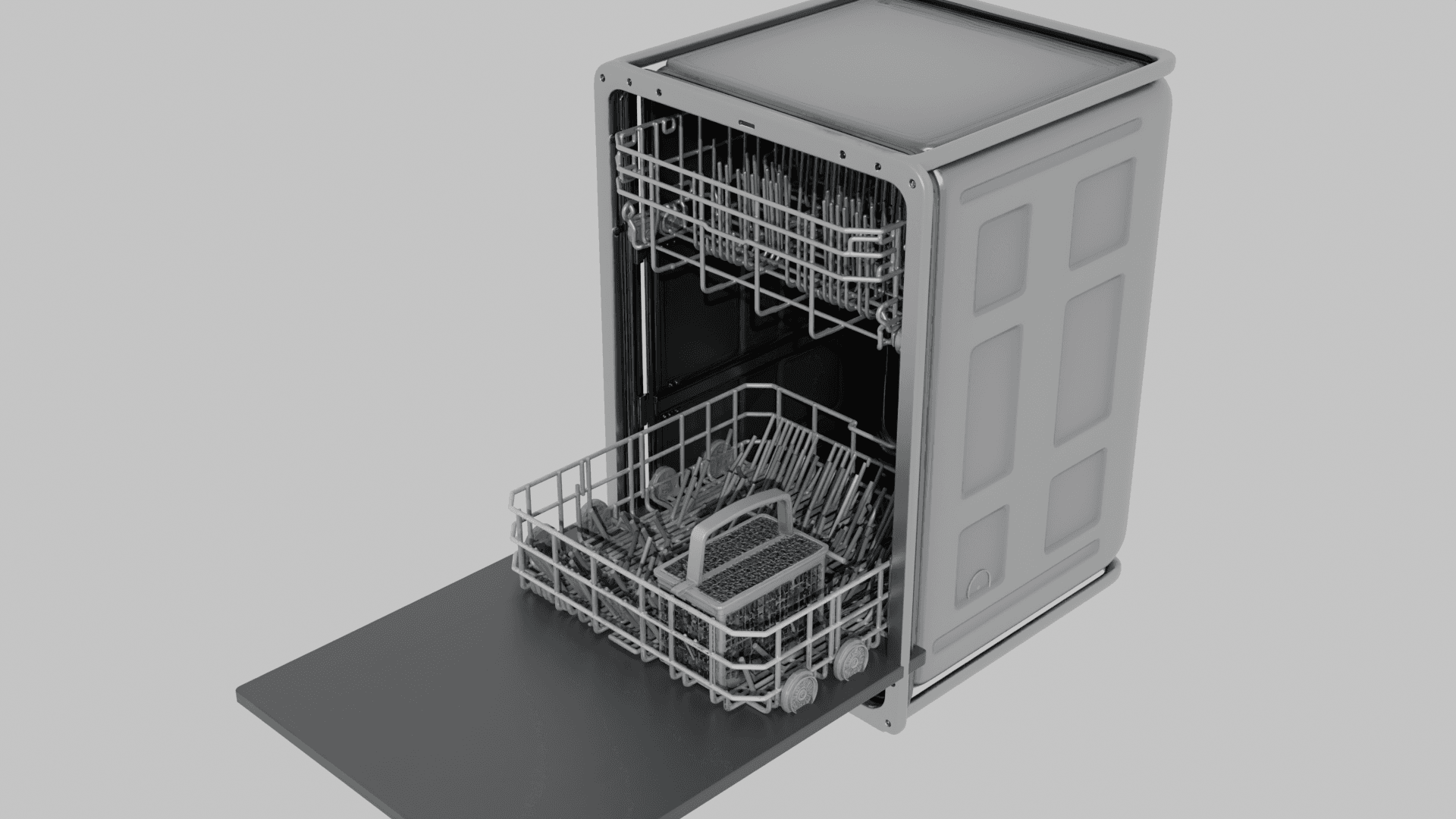
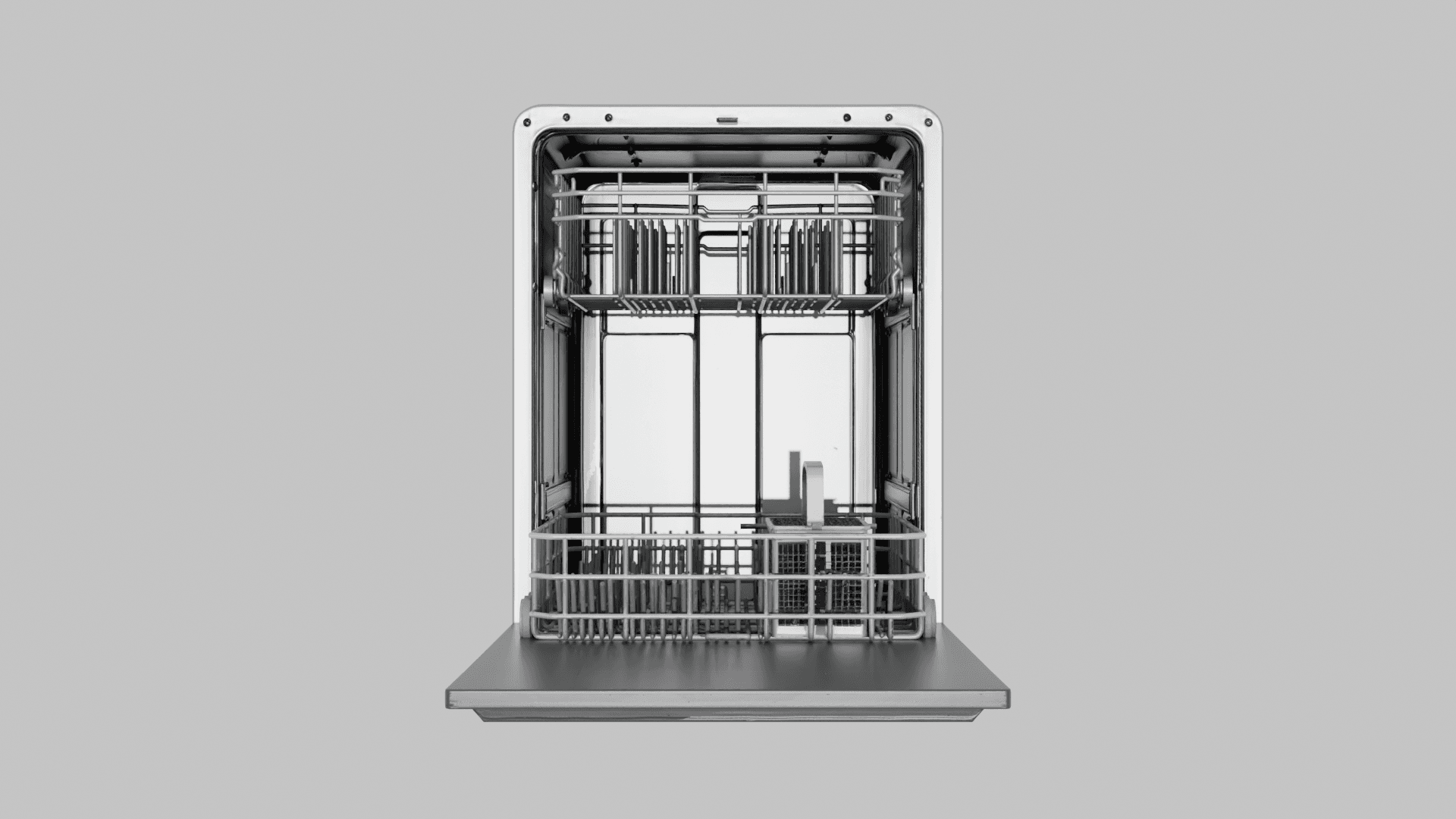
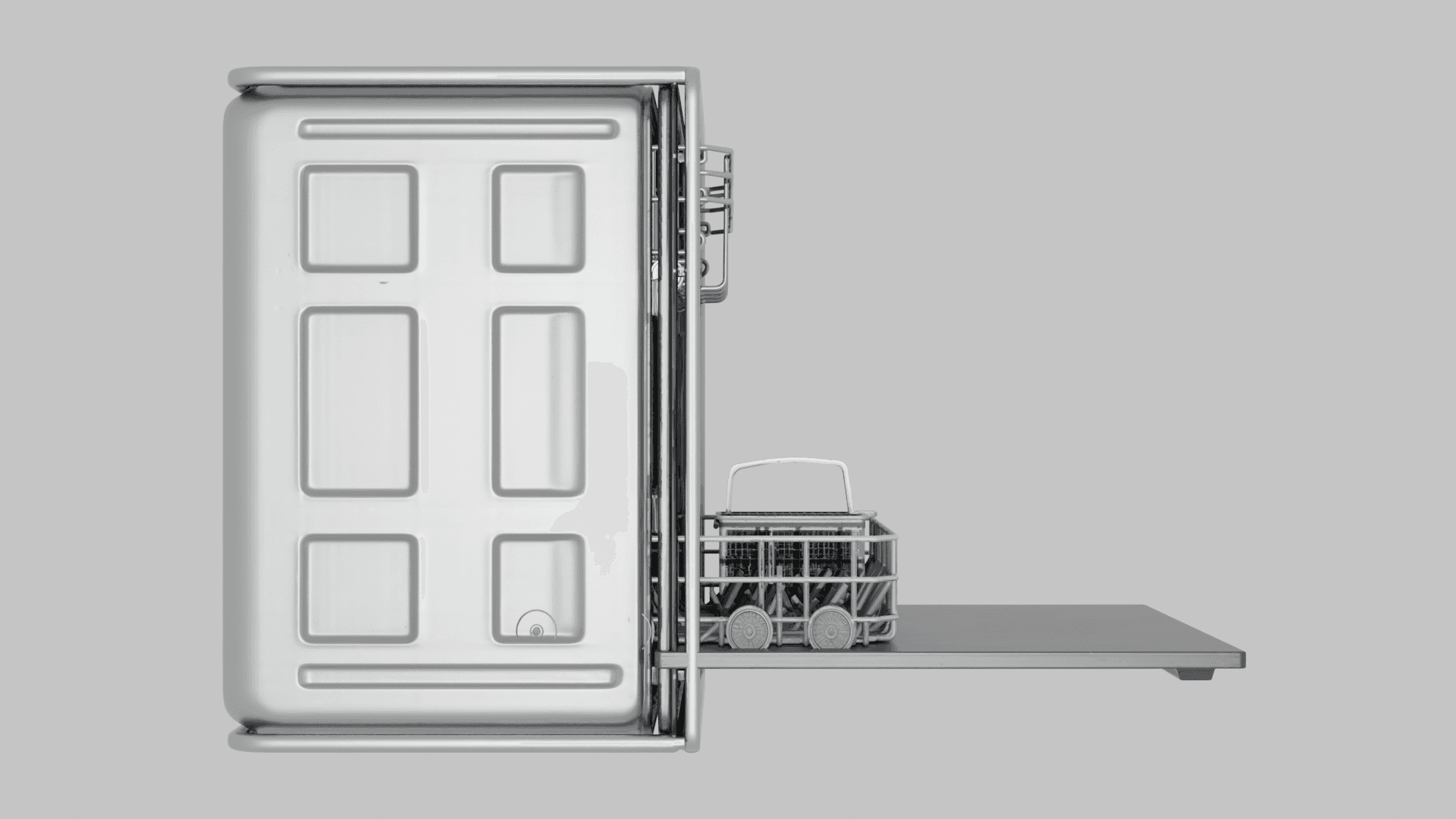
The orchestrator selected iteration 6 for placement review.
Placement review
You review renders from the best iteration, the critic score, and assembled.blend. The orchestrator waits for approval before export.
USD export
Exports the approved assembled.blend to robot.usda, writes robot_prim_map.json, and extracts textures to textures/.
| Input | iterations/006/assembled.blend |
| Output | robot.usda, robot_prim_map.json, textures/ |
For schema fields, agent permissions, and script flags, see Agentic Loop.